
Free business software templates, written up as we built them
We set up each template in a trial account first and take screenshots as we go, so the guide shows the screens you’ll actually see. The first ones are for Zoho CRM. HubSpot, Salesforce, Odoo, Notion, n8n, Excel, Google Sheets and Power BI are on the list.
Browse by platform: Zoho HubSpot Salesforce Odoo Notion n8n Excel Google Sheets Power BI
- Free to download
- Built and tested in a trial account
- Or we can set it up for you

Zoho CRM templates are up now. These are the platforms we build for.

How we build them
Every guide comes from a build we did ourselves
The guide keeps what we ran into. In the real estate build, Deluge search wouldn’t filter a currency field by less-than, so the property matching checks each budget in a loop instead, and the guide tells you why.
- Tested end to end
- Every workflow run with test records, and the test steps are in the guide.
- Edition and time
- The edition we built on and how long setup took us.
- Sample data
- Made-up records to test with before your own go in.
- Versioned
- A version and date on every download. Tell us when a screen changes and we’ll fix the step.
Free
Every template, its files and its guide
90 to 150
Minutes to set up one of our Zoho CRM templates
Video
Of the same build, step for step
1 price
For setup or changes, agreed before we start
Platforms
The platforms we build for
Each template comes in whatever form the platform takes. For Zoho CRM that’s a setup sheet, Deluge scripts, email templates and sample data, and you do the setup in your own account with the guide.
Zoho
Custom modules, workflow rules, Deluge functions and email templates, with a setup sheet that lists every field.
View templates →
HubSpot
Planned: custom properties, pipelines and workflows, with the same kind of step-by-step guide.
View templates →
Salesforce
Planned: objects, fields, flows and page layouts, set up from Setup with screenshots.
View templates →
Google Sheets
Planned: sheets you copy to your Drive, with the formulas and checks in place.
View templates →
Power BI
Planned: report files with the data model and measures built, ready to point at your data.
View templates →
Template library
Recently published templates
-
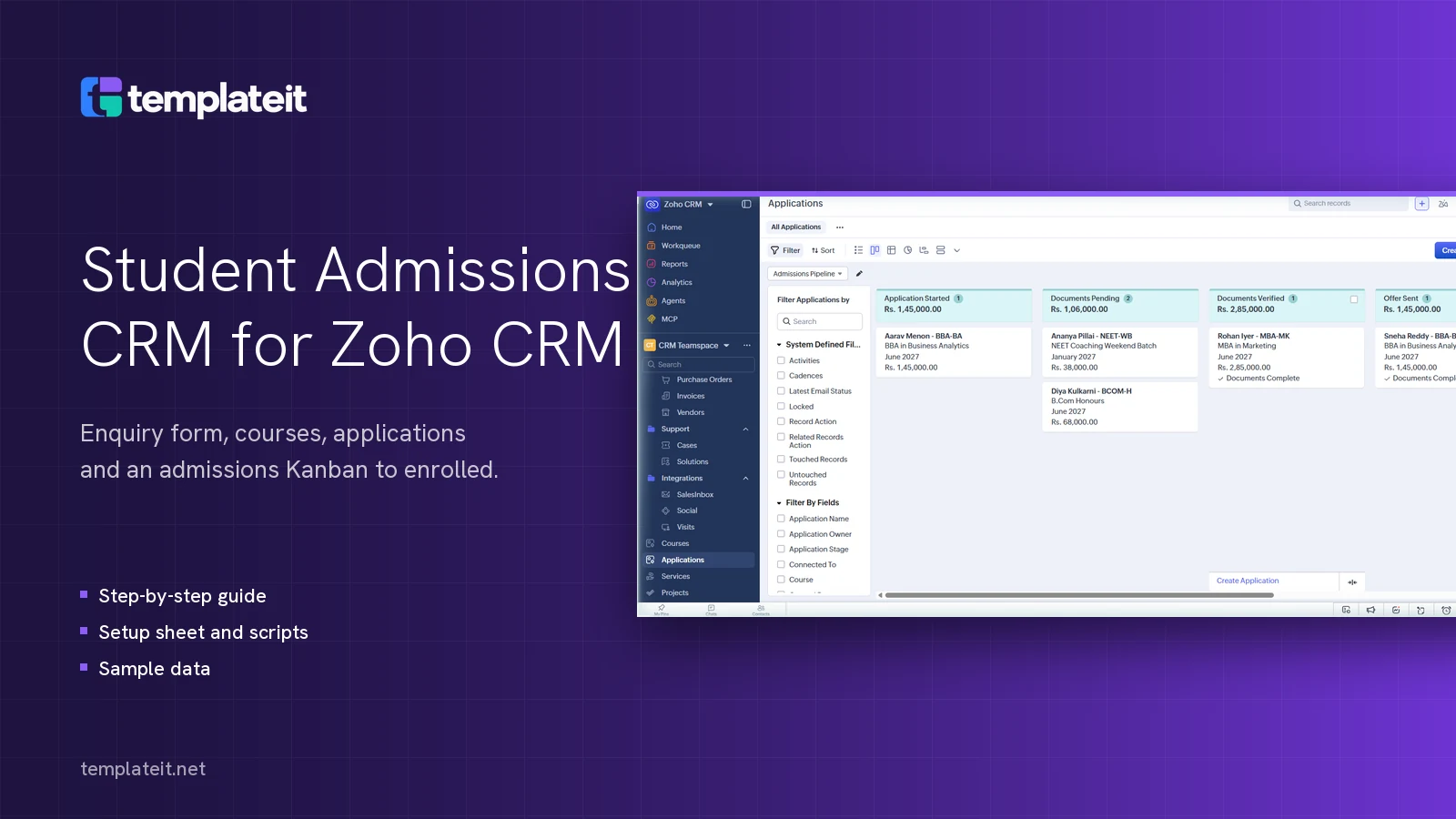
Student Admissions CRM for Zoho CRM
Enquiry web form, Courses and Applications modules, an admissions Kanban from enquiry to enrolled, and follow-up emails for Zoho CRM.
-
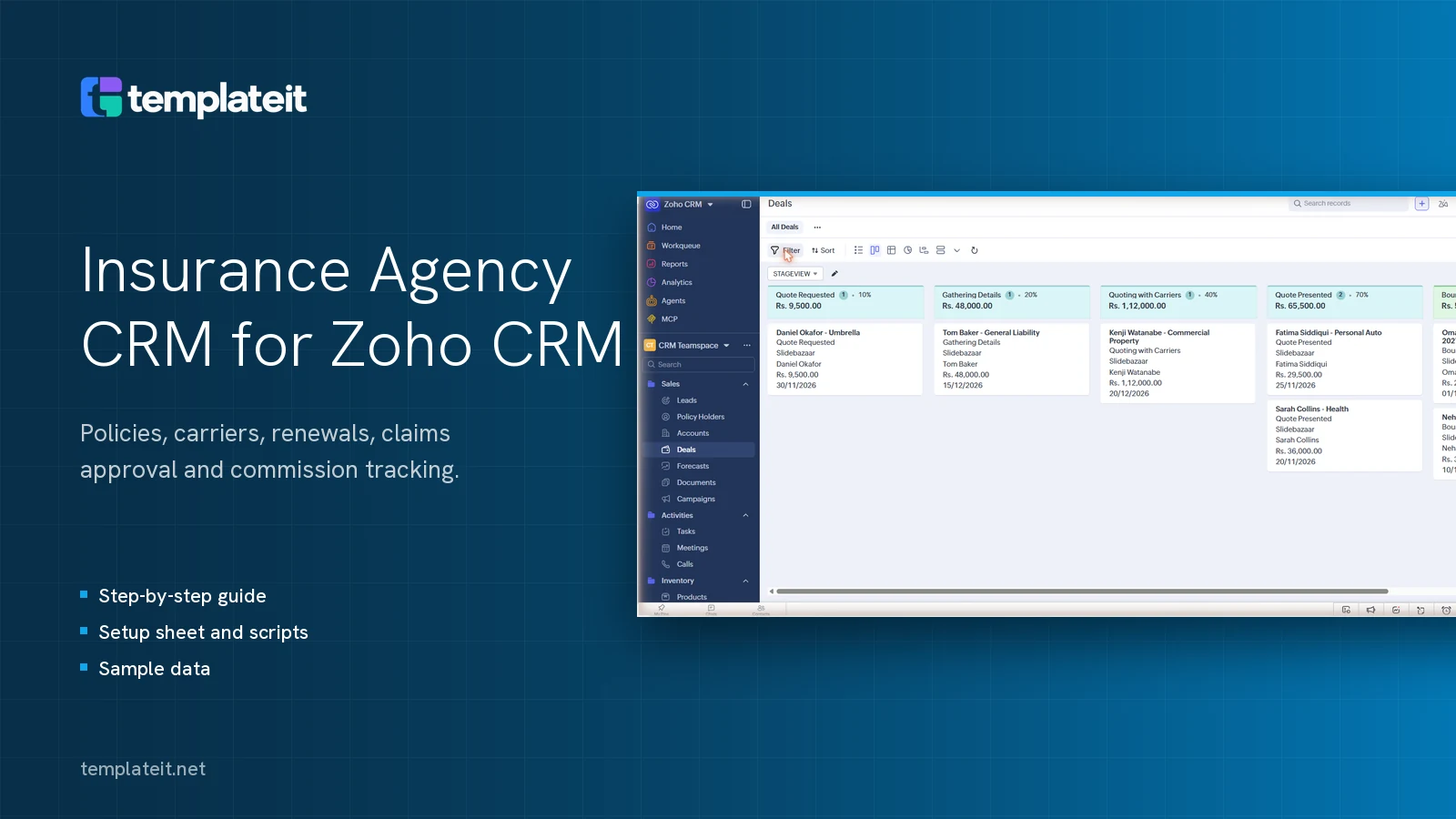
Insurance Agency CRM for Zoho CRM
Policies, Carriers, Policy Holders and Claims for Zoho CRM, with renewal reminders, claims approval and commission tracking.
-
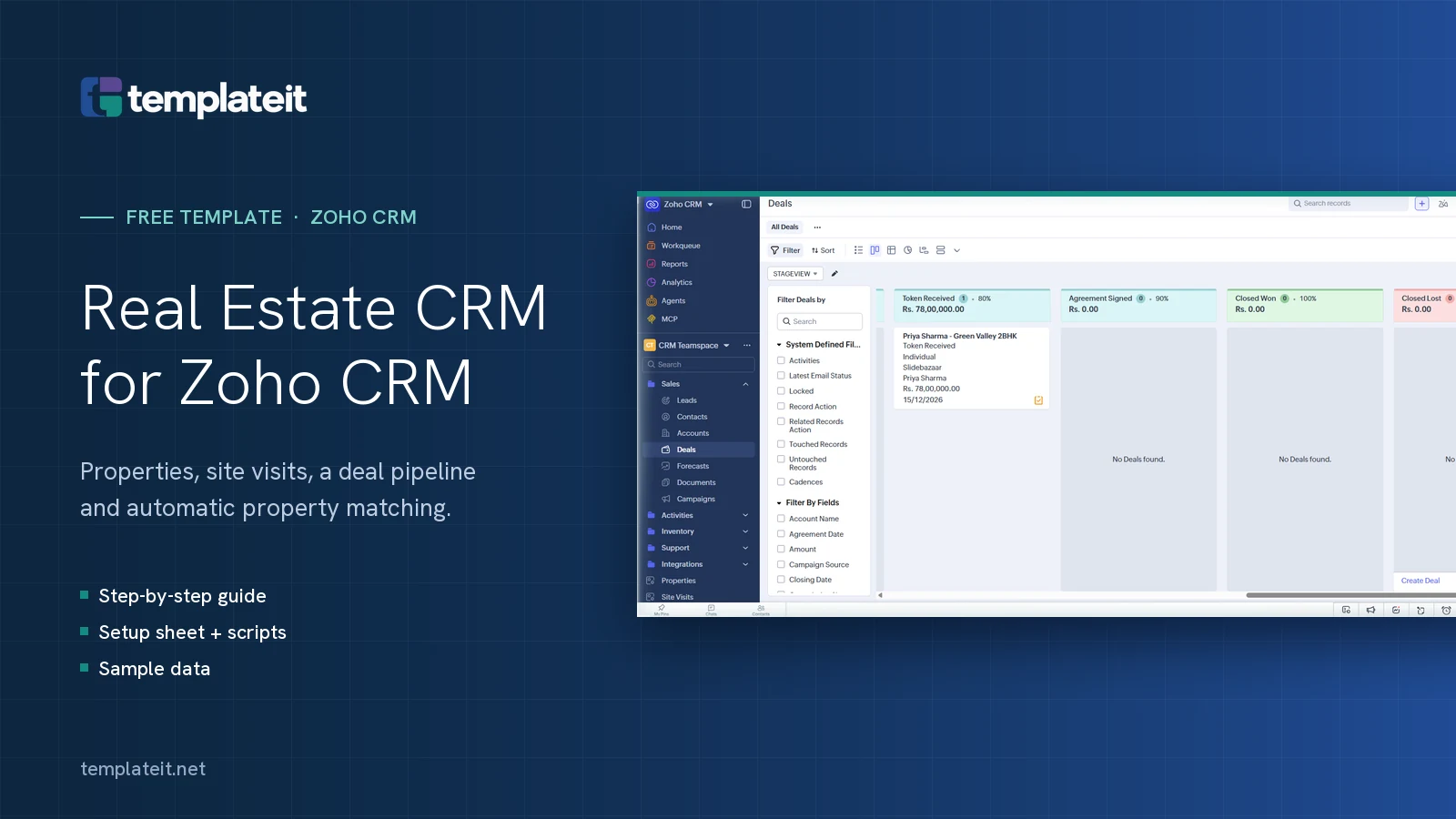
Real Estate CRM for Zoho CRM
Property listings, site visits, a real estate deal pipeline and automatic property matching for Zoho CRM.
How it works
Download it today, use it this afternoon
-
Pick a template
Filter by platform or industry. Each page says which edition you need, how long setup took us and what's in the download.
Free download -
Set it up with the guide
Work through the guide with the setup sheet open beside it, paste in the scripts and import the sample data. Run the tests at the end before your team touches it.
90 minutes to 2.5 hours -
Change it or get help
Use it as it is or change it yourself. If you want us to set it up or rework it for your process, we quote one fixed price first.
Optional
Setup and changes
If the template is close but not quite right
You might pay commission differently from the template, or need the CRM to talk to WhatsApp or your accounting tool. We make those changes in your account, test them with your records and show your team how it works.
- 01A short call about what you need
- 02A written quote with one price
- 03We do the work, then hand it over

Resources
Articles
Articles are coming soon.